Foundations
Navigating Properties
All roles2 min readUpdated June 3, 2026
CERQA opens to the Properties page after you sign in. Every property your team has access to lives here, on a map you can browse or a list you can sort. Take a quick walkthrough below to see how to switch views, search by name, and add a new property.
In this tour
- 1.Welcome to Properties
- 2.Switch between Map and List
- 3.List view
- 4.Find a property with search
- 5.Add a new property
Try itNavigating Properties · Interactive tour
Step 1 of 5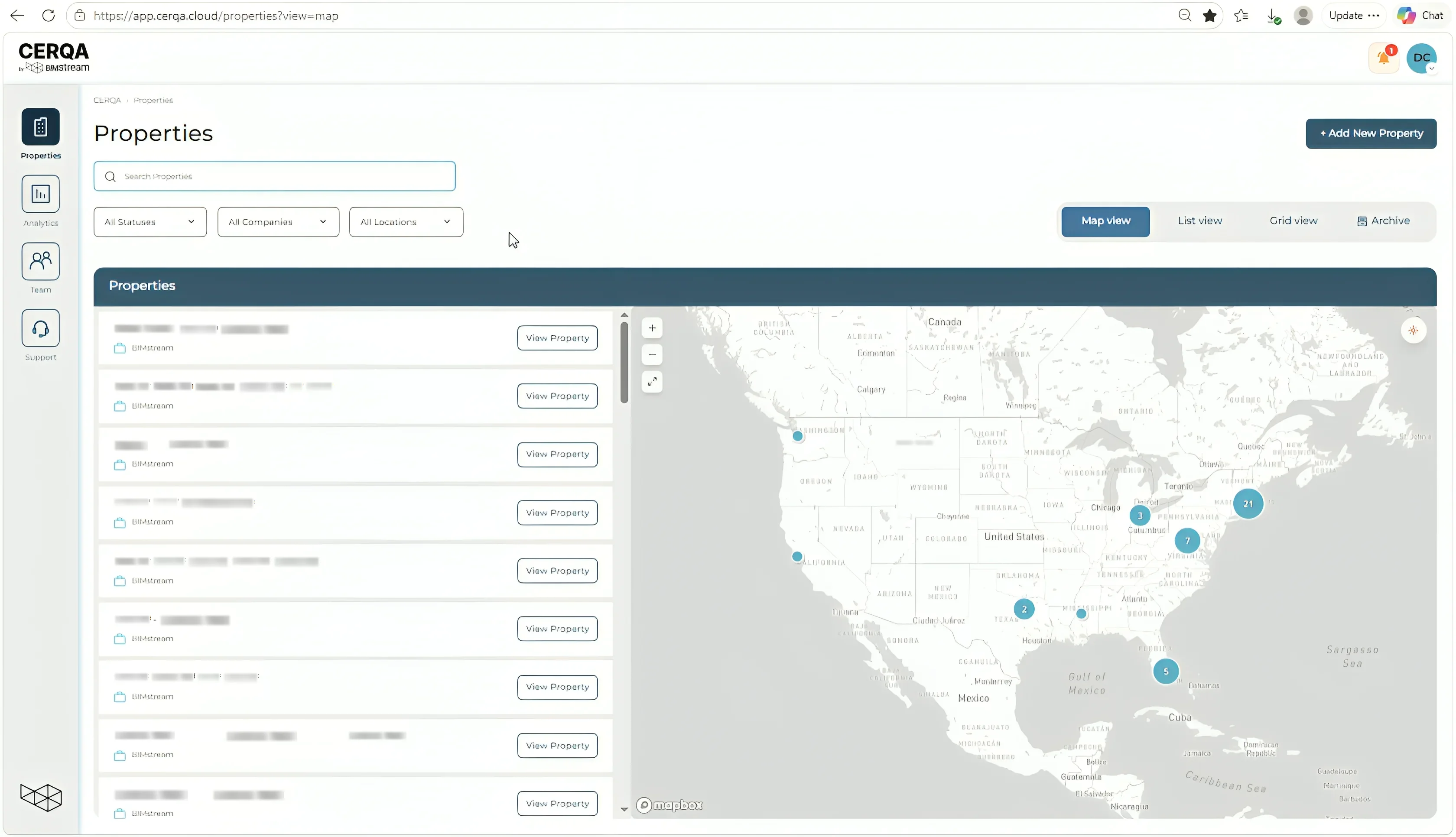
Click Start tour to begin the walkthrough.
1/5
For the platform overview, see F-01 - Welcome to CERQA. For who sees what in the Properties view across the six roles, see F-04 - Roles and permissions. For the Company Admin workflow that adds new properties, see CA-06 - Creating a property.